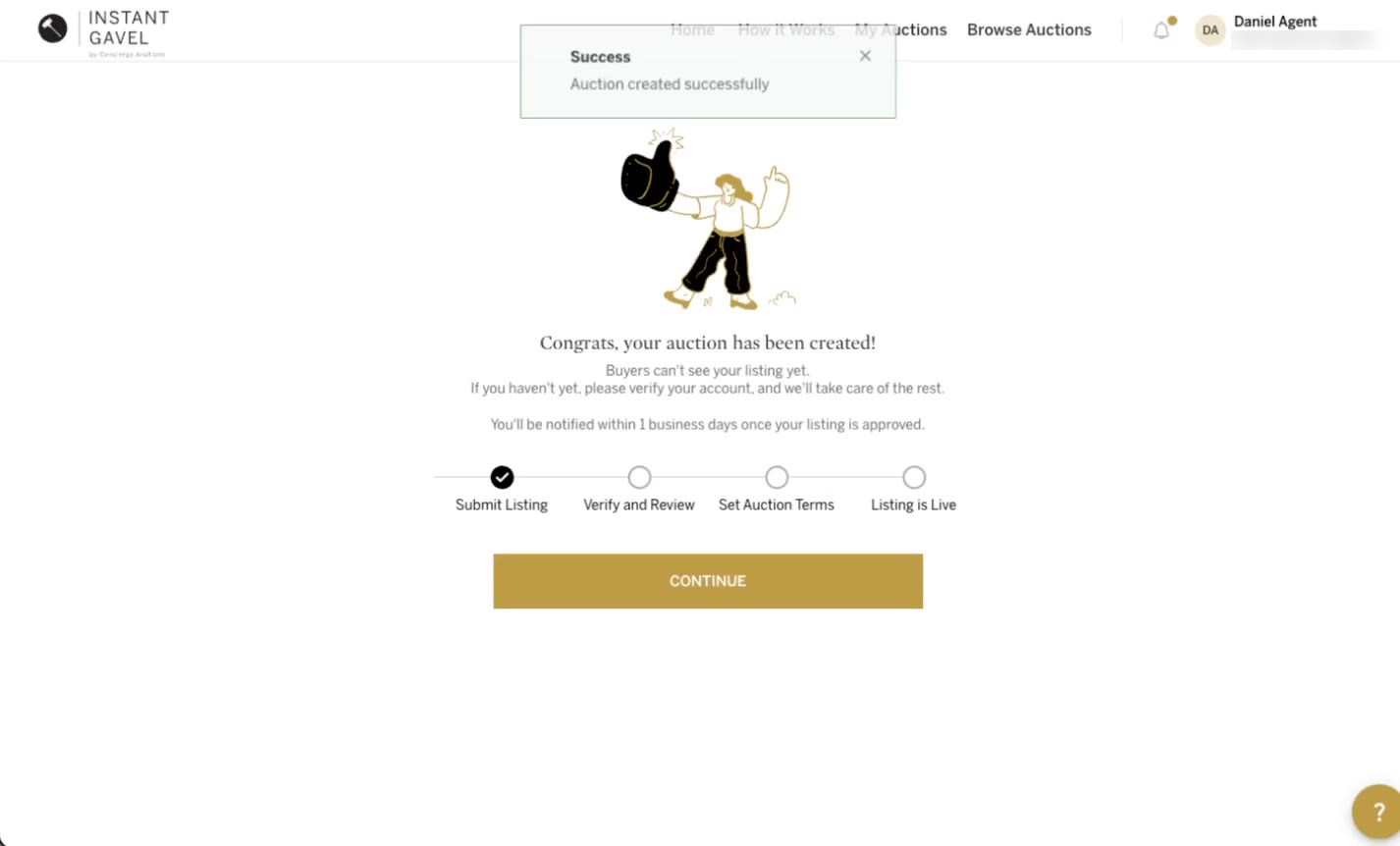
Click "Sell With Us"
From the Instant Gavel homepage, click Sell With Us.

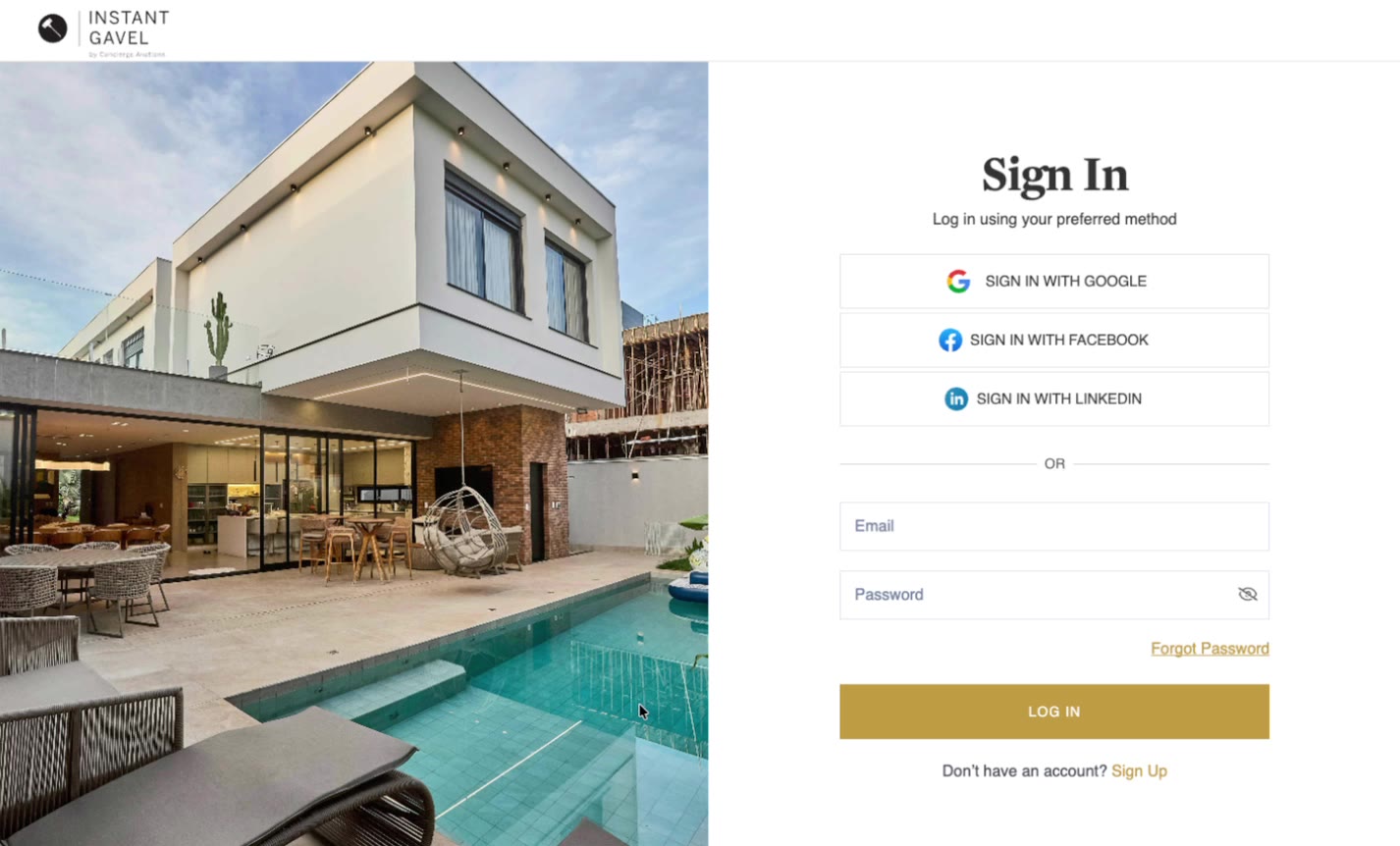
Sign in
Sign in with Google, Facebook, LinkedIn, or email and password. New users click Sign Up.
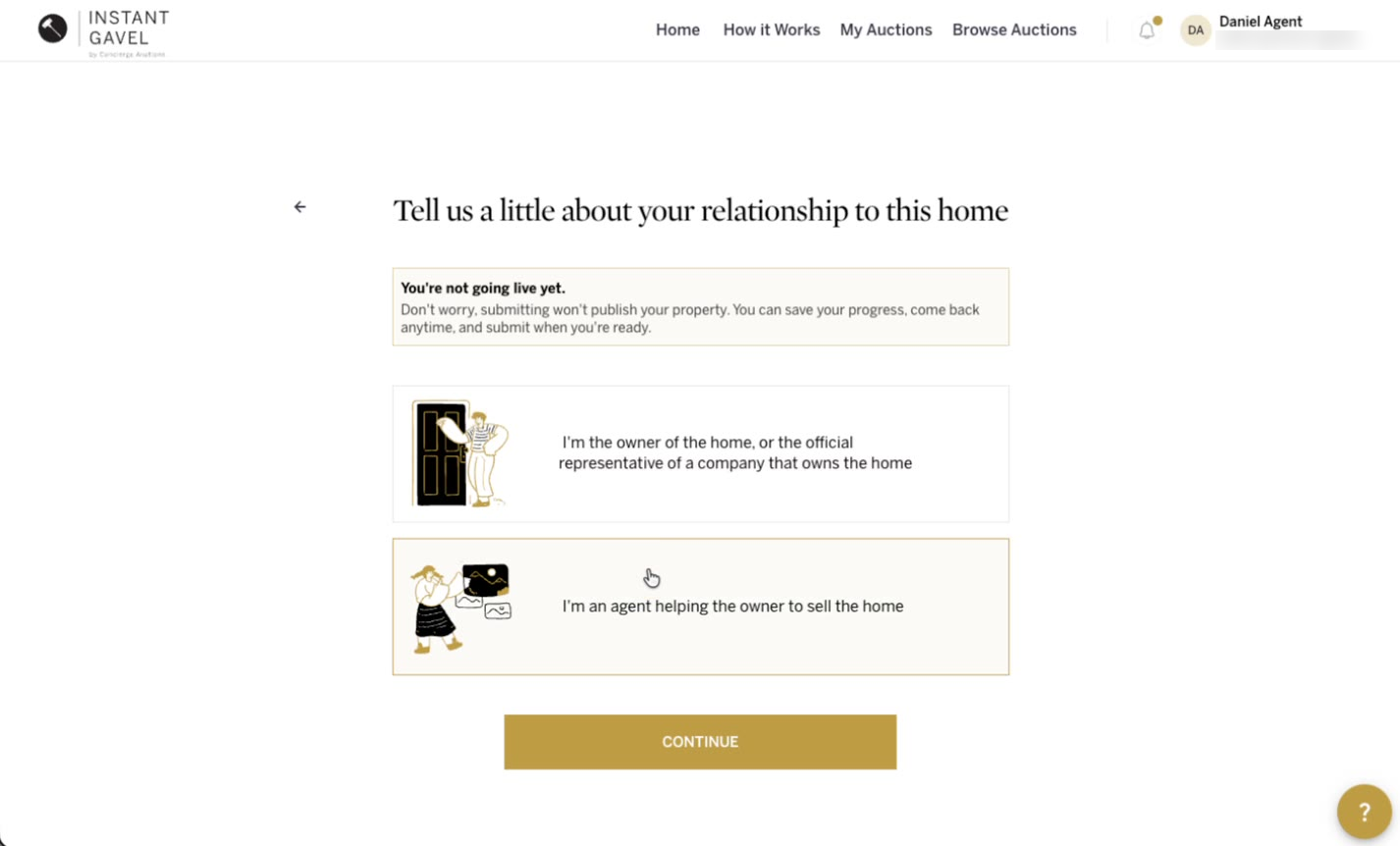
Choose your relationship to the home
Select "I'm the owner" of the home (or the official representative of the owning company) or "I'm an agent helping the owner to sell the home," then click "Continue". If you are the owner, the next screen will prompt you for your agent’s name and contact info and vice versa.
Enter agent and owner details
Sellers are prompted to enter their listing agent's name and email which will invite the listing agent to collaborate on the auction. Once added, the listing agnet can copmlete the additional agent details: Brokerage, Broker License #, and Agent License #. Agents are prompted to enter the owner's name, email, and phone number. If the home is owned by a company or entity, list the primary contact. If the seller isn't registered yet, Instant Gavel emails them an invitation to join and access the auction.
Choose the primary goal and end date
Exposure — Standard auction (recommended, 6 weeks total): 2 weeks of marketing and due diligence prep, then 4 weeks of online exposure and open bidding. Speed — Accelerated auction (4 weeks total): 1 week of prep, then 3 weeks of bidding. The Auction End Date will be selected automatically. Confirm your Time zone, then click Next Step. Dates can adjusted by Instant Gavel as needed. At any point you can click "save" to come back and finish the submission later.
Add listing information
Give a name to your auction, the property address or the name of the property. Select if the property is currently listed or not. If listed, paste the public listing link (e.g., Zillow) and enter the list price. Details should match the original listing.
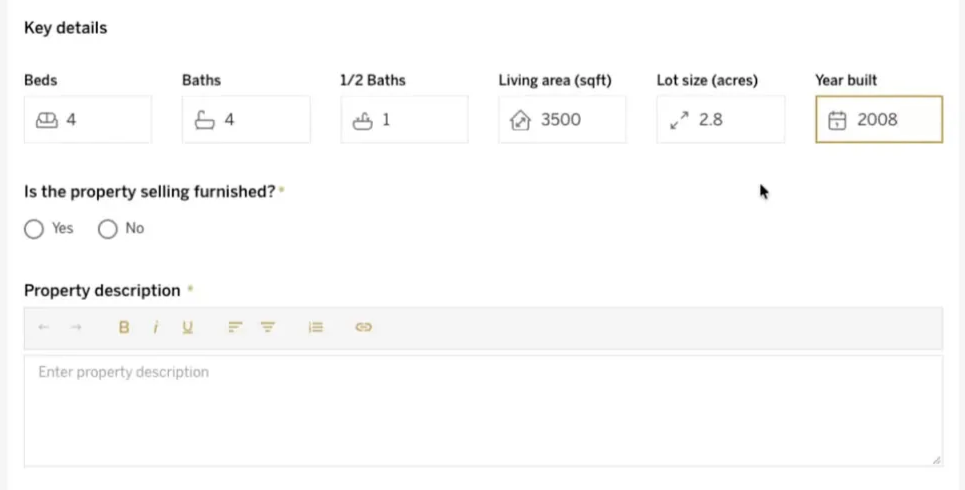
Add key property details
Start typing the Street and pick the address from the suggestions. Enter the Beds, Baths, 1/2 Baths, Living area (sqft), Lot size (acres), and Year built. Answer "Is the property selling furnished?" and enter the Property description, select the property types and lifestyle tags that best fit (multiple allowed), then click Next Step.
Upload photos and videos
Click Upload property media or drag and drop files. At least one image is required for the initial submission. Images can be up to 5MB and MP4 videos up to 500MB. Optionally, include a Matterport 3D tour link. Click Next Step. At any point you can click save to come back and finish the submission later.
Upload marketing and due diligence docs (optional during initial submission)
Simply drag and drop applicable documents into the sections. Due diligence documents (Purchase Agreement, Preliminary Title Commitment, Inspection report, Appraisal, Other) aren't required to submit, but they're required before the auction is published. Once live, due diligence documents are made available for prospective bidder review.
Enter closing details
1. Insert the Listing Agent Commission percentage and Buyer's Agent Commission percentage (Instant Gavel covers up to 5% of agent commissions and credits the owner at closing) 2. Closing agent details: choose I have closing agent and enter Company name, Closing agent name, Email, and Phone Number, or choose I don't have closing agent for a recommendation. Listing agents typically have a recommended closing/title company. 3. The default Close date is approximately 30 days after bidding ends, but can be modified according to your needs. 4. Confirm the Preferred financing options that apply (e.g., Cash, Conventional recommended), then click Next Step.
Add open house and yard sign details
Click “yes” for open house unless the property does not allow for it. We highly recommend holding 2 open houses during the auction cycle. Enter the Yard sign delivery address for Instant Gavel to ship a yard sign.
Add collaborators (optional)
Collaborators can be additional owners, listing agents, family members, or advisors. Adding a collaborator gives that user visibility into the auction. Click "Add Collaborators." Enter the First name, Last name, Relationship to Home (Listing Agent, Homeowner, Family, Advisor, Attorney), and insert their contact details. Collaborators will receive an invite to the view or manage the auction. - Viewers can see all content but can't edit. - Managers can edit and add content. - Homeowners (contract signers) always have manager permissions.
Click Submit, then Continue
Click Submit. What happens next? If the property is approved, Instant Gavel sets the Instant Gavel price (an early bid that wins the auction before it opens) and a reserve price for seller sign-off. Click Continue, or, click save to save your progress to submit later.